Every now and then, I have issues when trying to register my fortiswitches and access points directly from the Fortigate GUI.
Some will say “Registration Failed” and other times I won’t be able to select a Country or Reseller from the registration screen
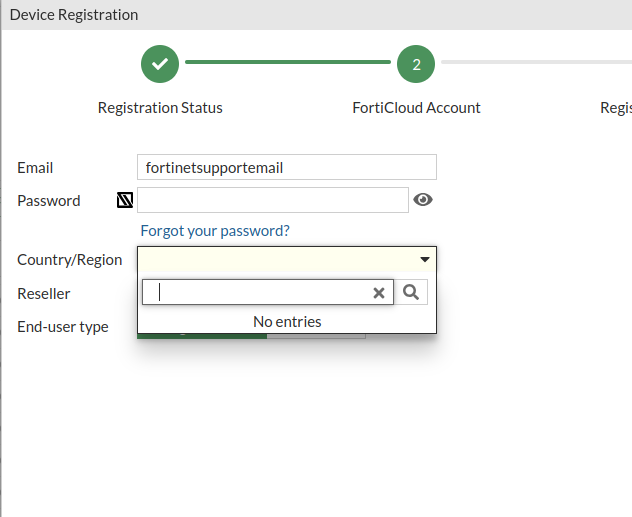
It just never loads! Its a pain in the ass.
As way to get around the errors associated with the GUI method, lets use the CLI. First, notate how your company shows up in the “Reseller List”. For this example, I’m verifying in the GUI, but im sure you could guess or notate from a working setup. I am also using a random company from the list and not my own:
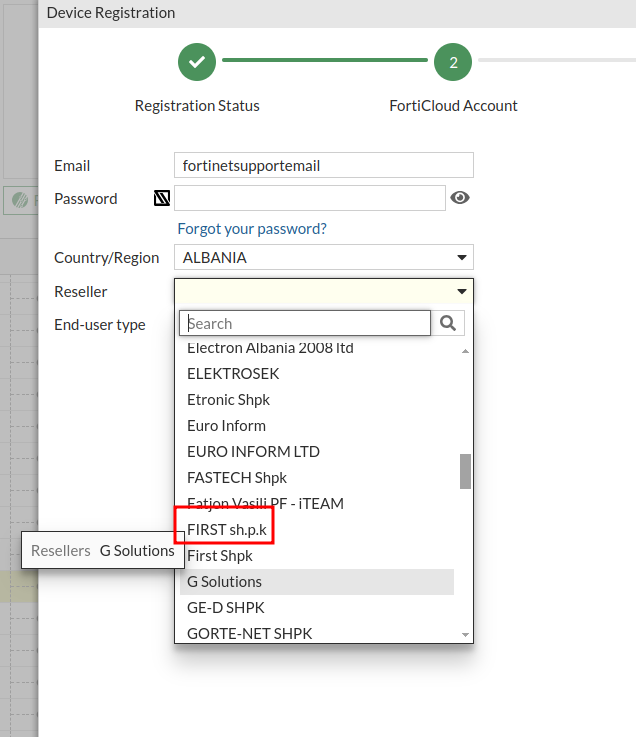
Notate the exact spelling and case of how its spelled. This is important!
Log into the CLI and paste this one liner (with your info of course):diagnose forticare direct-registration product-registration -N <device serial> -a <support portal username> -p <support portal pw> -R "reseller name"
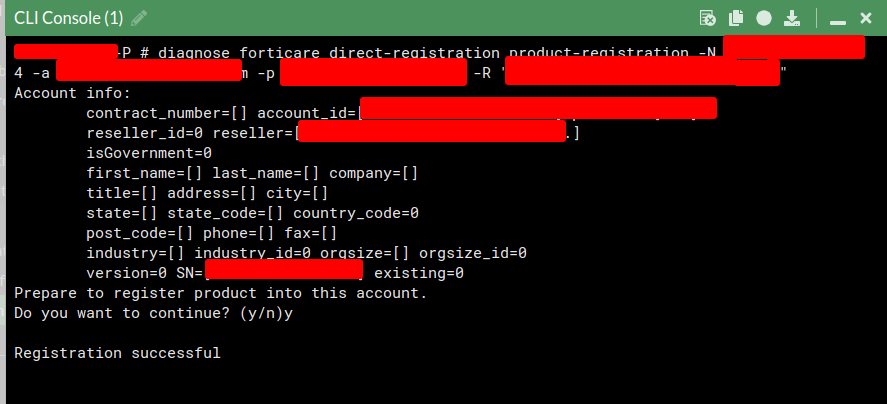
Registers without issue! I have yet to run into an error doing it this way.
Need networking help or assistance?
Email me directly to set up a consulting session!
